
anaconda-installation
Anaconda Installation
- Download Anaconda. Executable Installer.
From https://www.anaconda.com/download
Download Anaconda3 Executable Installer.

Execute Installer. ClickNext.

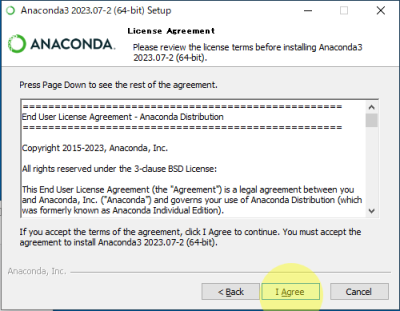
- Click [
I Agree]
- Select [
Just me(recommended)]. Click [Next]

- Click [
Next]

- Select [
Create start menu shortcuts(supported packeges only).] and [Register Anaconda3 as my default Python 3.11]. Click [Install]

- Click [
Next]

- Click [
Next]
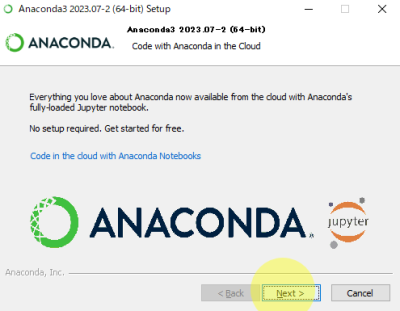
- Click [
Finish]

- Check Installation. Open the Anaconda Prompt
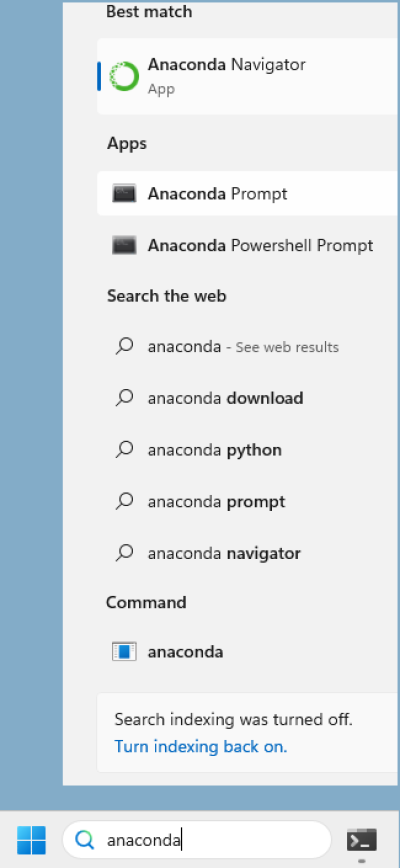
or

(base) C:\Users\kan>conda --version
conda 23.7.3
(base) C:\Users\kan>python --version
Python 3.11.4
<note> We will then create Python 3.10.6 environment afterward. </note>
anaconda-installation.txt · Last modified: 2025/02/21 00:02 by 127.0.0.1